Updating Displaying Approved Hours
REQUIREMENT & PERMISSIONS
User should be superadmin to manage setting.
Documentation
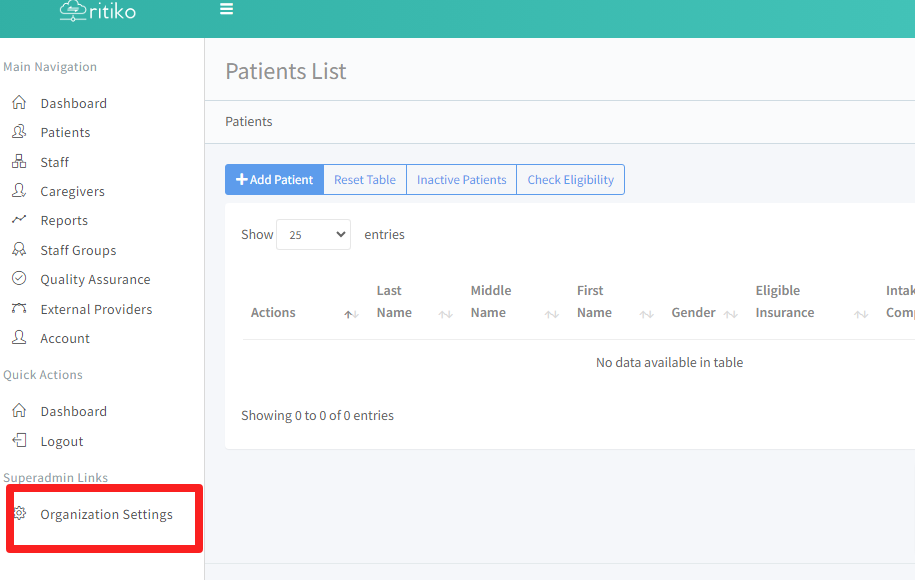
- Under your main navigation sidebar, click ORGANIZATION SETTINGS.
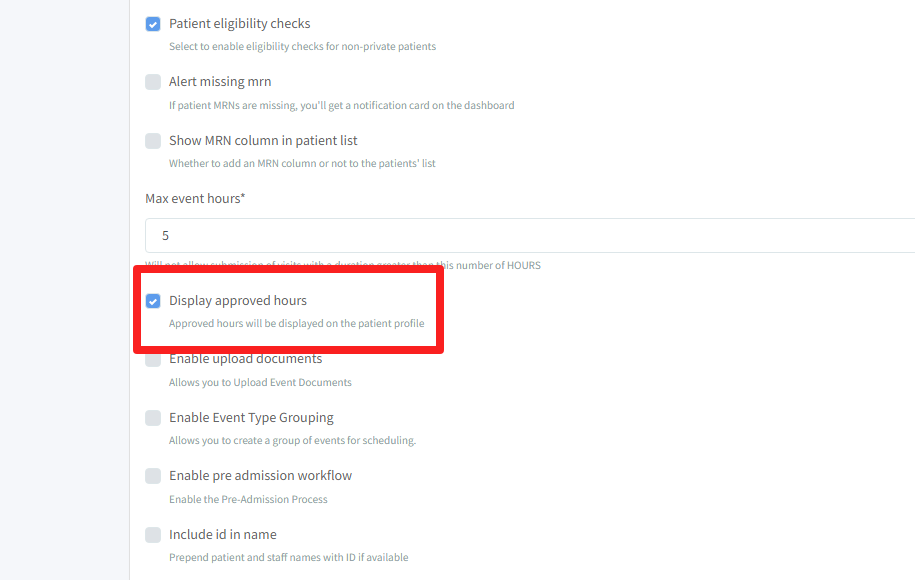
- Under configuration, scroll down and click on DISPLAY APPROVED HOURS.(Approved hours will be displayed on patient profile)
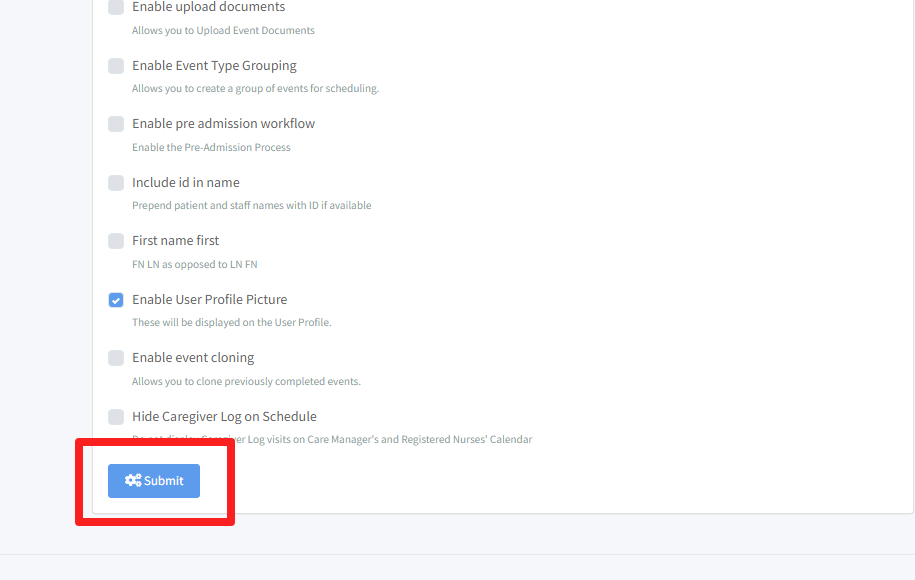
- Click SUBMIT.