
Staff Group Permissions
REQUIREMENT & PERMISSIONS
User should have Can change permissions permission.
Documentation
Click on STAFF GROUPS.
Click on the STAFF MEMBER you are setting permissions for.
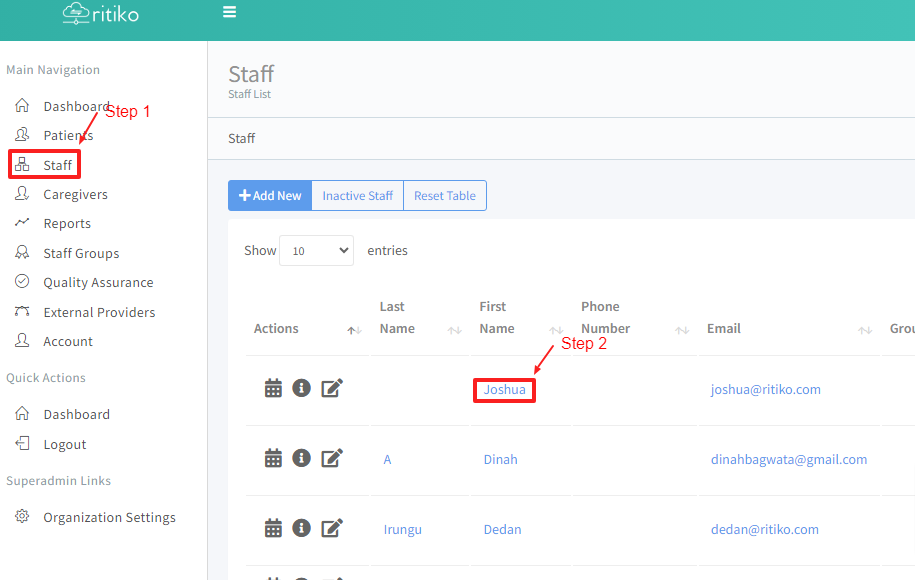
- Scroll down and click PERMISSIONS + GROUPS.
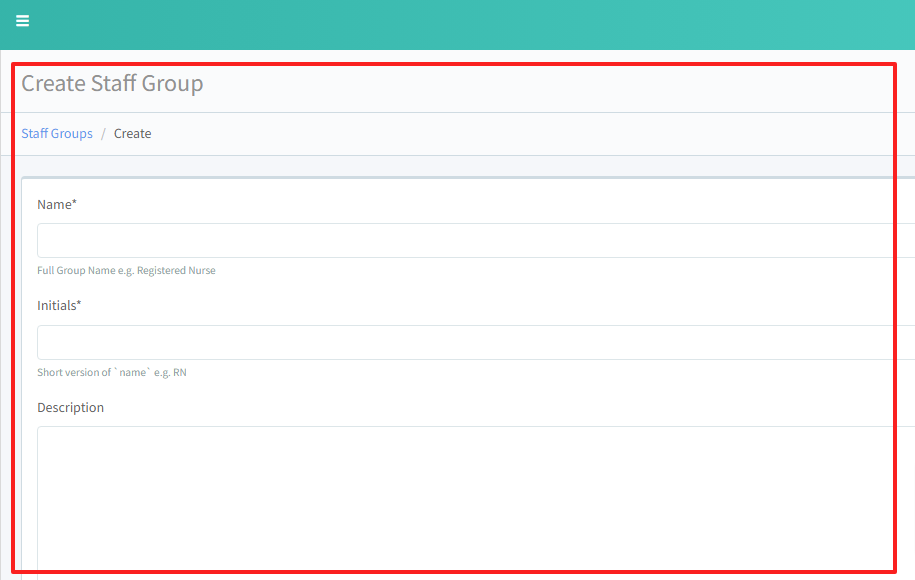
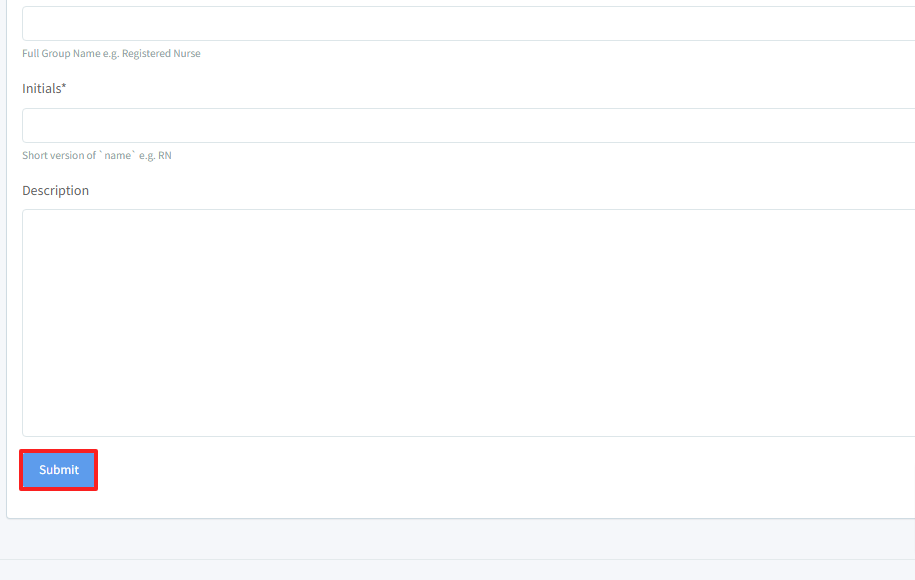
- Click SUBMIT.
Permission In Details
Patient Permissions
- Can view all active patients: Grants access to view information about all patients who are currently active.
- Can view inactive patients: Allows the user to see information about patients who are no longer active.
- Can add new patients: Permits the user to create and add new patient records into the system.
- Can delete patients: Enables the user to remove patient records from the system.
- Can update patients: Allows the user to modify and update existing patient information.
Patient Task Tracker Permissions
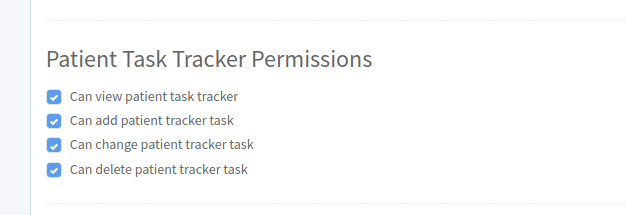
- Can view patient task tracker: Grants access to view the tasks that are assigned to patients within the task tracker.
- Can add patient tracker task: Allows the user to add new tasks to the patient task tracker, assigning tasks to specific patients.
- Can change patient tracker task: Permits the user to modify existing tasks within the patient task tracker, such as updating task details or status.
- Can delete patient tracker task: Enables the user to remove tasks from the patient task tracker.
Caregiver Task Tracker Permissions
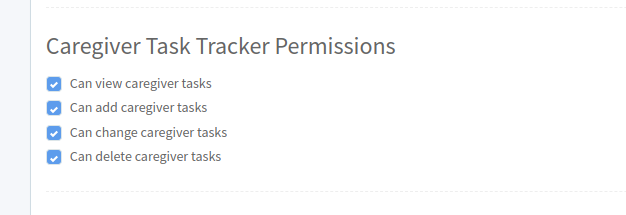
- Can view caregiver tasks: Grants access to view the tasks that are assigned to caregivers within the system.
- Can add caregiver tasks: Allows the user to assign new tasks to caregivers.
- Can change caregiver tasks: Permits the user to modify existing tasks assigned to caregivers, such as updating task details or status.
- Can delete caregiver tasks: Enables the user to remove tasks that have been assigned to caregivers.
Event Schedule Permissions
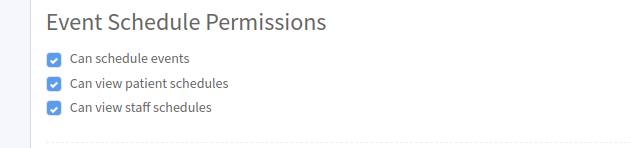
- Can schedule events: Allows the user to create and set up events within the system's calendar.
- Can view patient schedules: Grants access to view the schedules of patients, including their appointments, treatments, and other scheduled activities.
- Can view staff schedules: Allows the user to view the schedules of staff members, including their shifts, meetings, and other work-related activities.
Service Types Schedule Permissions
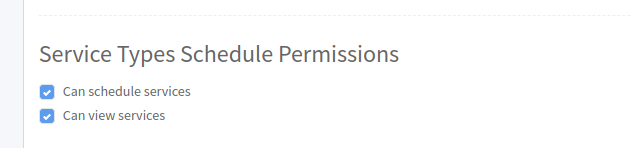
- Can schedule services: Allows the user to create and organize service appointments within the system.
- Can view services: Grants access to view the list of services offered and their scheduled times within the system.
Learning Permissions
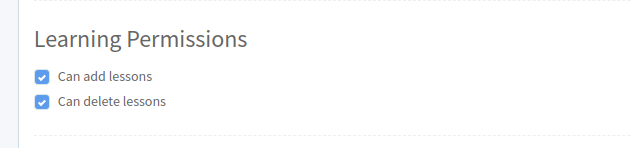
- Can add lessons: Allows the user to create and add new learning lessons or educational content into the system.
- Can delete lessons: Enables the user to remove existing learning lessons or educational content from the system.
Event Notes Permissions
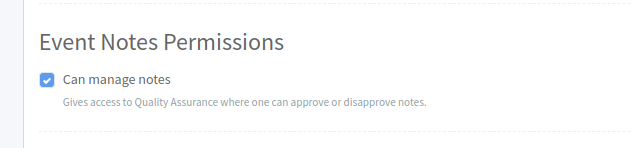
- Can manage notes: Gives access to Quality Assurance where one can approve or disapprove notes.
Medication Permissions
- Can manage medications: Allows the user to oversee and handle all aspects of patient medications.
Staff Group Permissions
- Can manage staff groups: Allows the user to organize and oversee staff groups within the system.
Reports Permissions
- Can view reports: Grants the user access to view various reports generated within the system.
Announcement Permissions
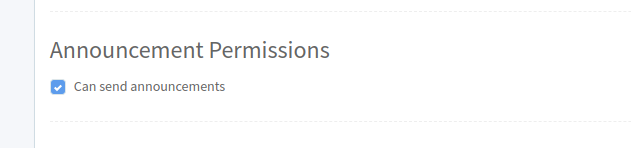
- Can send announcements: Allows the user to broadcast messages or notifications to all users within the system.
External Providers Permissions
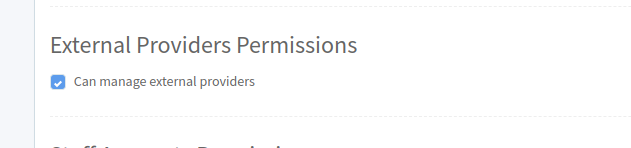
- Can manage external providers: Grants the user the ability to oversee and administer external service providers within the system.
Staff Accounts Permissions
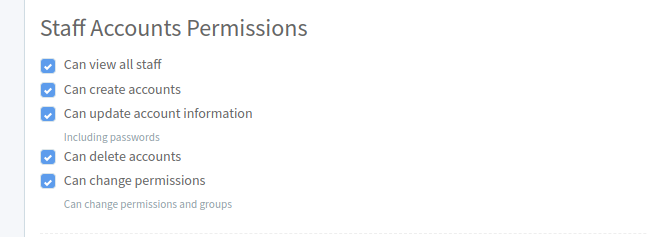
Can view all staff: Grants the user access to view information about all staff members registered in the system.
Can create accounts: Allows the user to create new user accounts within the system, providing access to new users.
Can update account information: Permits the user to modify details associated with user accounts, including personal information and access credentials.
Can delete accounts: Enables the user to remove user accounts from the system, including their associated data and permissions.
Can change permissions: Grants the user the ability to modify the access rights and permissions assigned to other users within the system
Staff Task Tracker Permissions
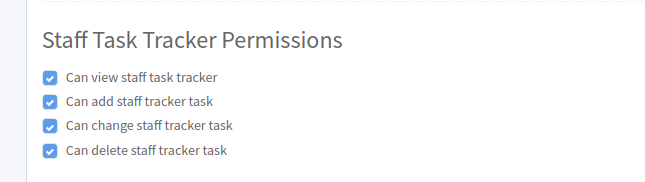
Can view staff task tracker: Grants the user access to view the task tracker specific to staff members, showing tasks assigned to them and their statuses.
Can add staff tracker task: Allows the user to create and assign new tasks to staff members within the task tracking system.
Can change staff tracker task: Permits the user to modify existing tasks within the staff task tracker, including updating task details or marking tasks as complete.
Can delete staff tracker task: Enables the user to remove tasks from the staff task tracker, typically when tasks are completed or no longer relevant.
Can upload documents: Grants the user the ability to upload documents into the system, which can include files related to patient records, staff documentation, reports, or any other relevant materials.
Event Clone Permissions

- Can clone event: Allows the user to duplicate existing events within the system.