Setting the Max Event Hours Number
REQUIREMENT & PERMISSIONS
User should be superadmin to manage setting.
Documentation
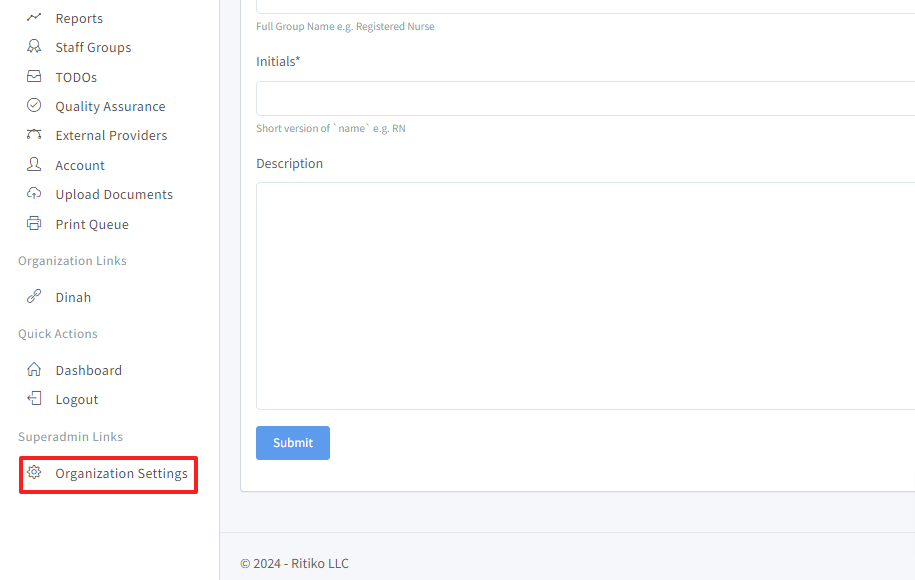
- Under your main navigation sidebar, click on ORGANIZATION SETTINGS.
Under configuration,scroll down and click on MAX EVENT HOURS .* text field.
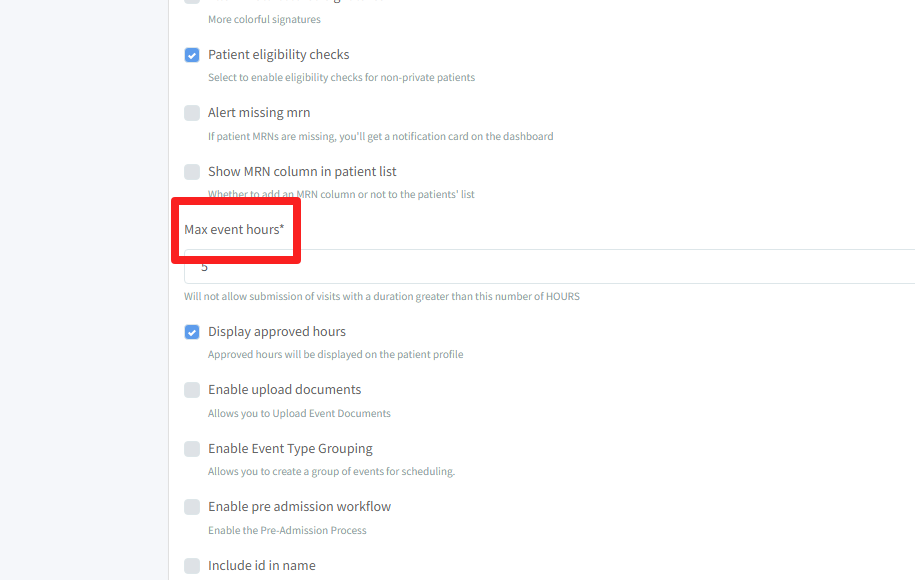
Input the number of hours. (This hours number will not allow submission of visits with a duration greater than this number of hours.)
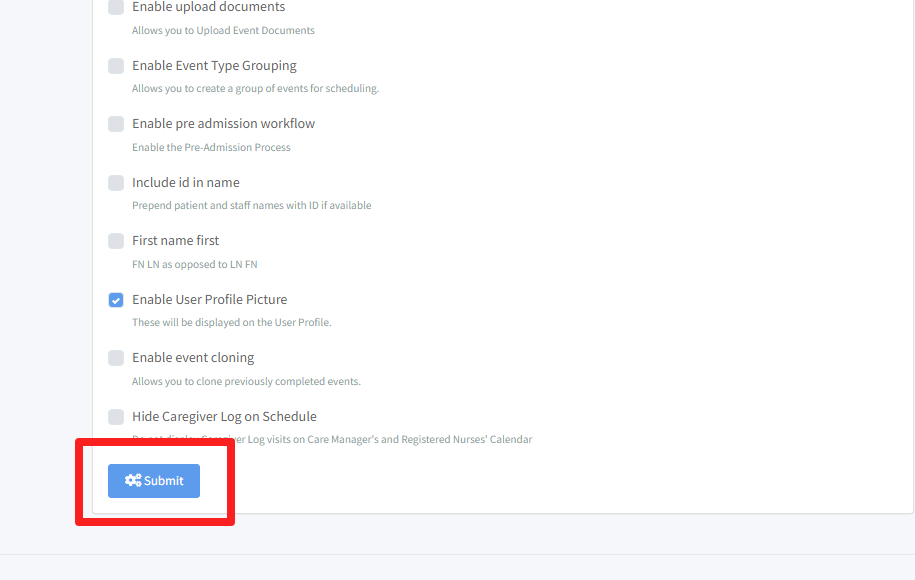
Click SUBMIT.